USA License Plate Generator beta
for

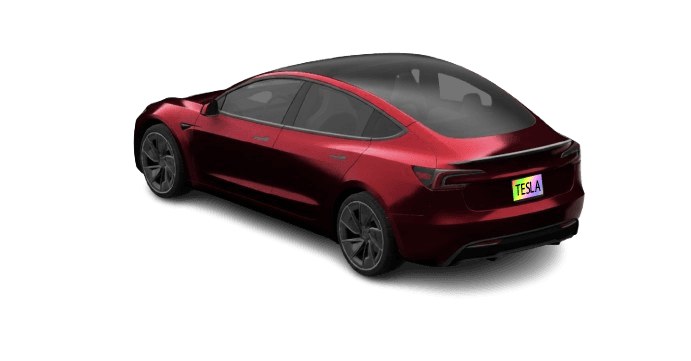
Create a high-resolution USA license plate image to display on your Tesla touchscreen. Simply enter your text, pick your state, and download your customized graphic.
Help & Installation Instructions
Tip: use * to insert a separator (spacing or symbol).
🥳 Success! Your plate has been downloaded.
This free tool took many hours to build - support is appreciated!
This free tool took many hours to build - support is appreciated!
Previously Added
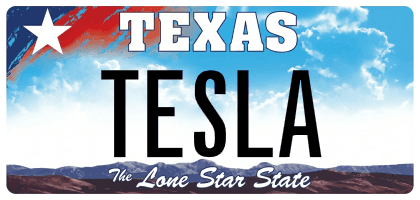
Texas - Standard (2009)
02/03/2026 - Sponsored

Tennessee - Standard
01/12/2026 - Sponsored

Georgia - Standard Alternate
01/08/2026 - Sponsored
Don't see your plate?
Sponsor a plate to prioritize it and get it added fast. Most sponsored plates are added within 3–4 days.
Don't want to sponsor? No problem! Vote for your plate in the 'Plate Poll' on the sidebar. Popular plates may occasionally be added.
How to install in your Tesla
Follow these steps to sync your custom plate with your vehicle's in-car visualization.
- Customize and Download the image.
- Insert your Tesla USB drive into your computer.
- Create a folder named
LicensePlate.
- Move the downloaded image into that folder.
- Plug the USB back into your Tesla.
- Go to Toybox > Paint Shop > License Plate.